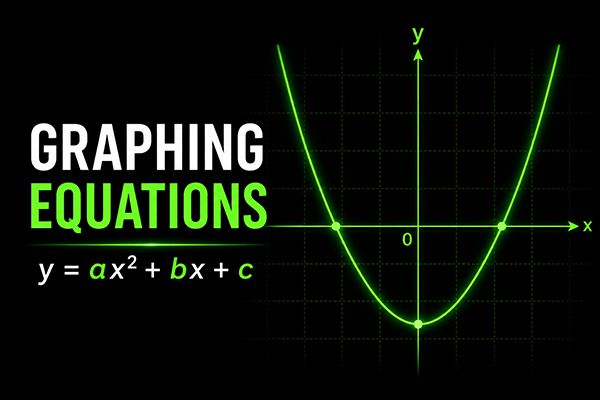
1. Use the Desmos Graphing Calculator to Solve Equations Faster One of the biggest time-saving tools available on the digital SAT is the built-in Desmos graphing calculator. Instead of solving complicated equations by hand, students can often graph the equations and find the solutions visually within seconds. For example, consider the quadratic equation: 2x2−7x+5 =02x^{2}-7x+5\ =0 Instead of using factoring or the quadratic formula, you can enter the following into Desmos: y=2x2−7x+5y=2x^{2}-7x+5 and y = 0 The points where the graphs intersect represent the solutions to the equation. By placing your cursor over the intersection points, Desmos instantly reveals the x-values. This technique is not limited to quadratic equations. It can also be used for: linear equations, radical equations, exponential equations, and many other equation types. Learning when to use graphing strategically can save valuable time on the SAT and reduce unnecessary algebraic work. 2. Always Read the Final Question Carefully One of the most common mistakes students make on the SAT is solving correctly but answering the wrong question. The SAT often includes questions designed to test whether students pay attention to details. Many students rush through the algebra and forget to carefully read what the problem is actually asking for. For example, suppose you are given: x2−81=0x^2 - 81 = 0 Solving the equation gives: x=±9x = \pm 9 However, the SAT may not ask for the value of x directly. Instead, the question could ask for: x−6x - 6 Many students immediately choose 9 as their answer and move on too quickly. But if: x=9x = 9 then: x−6=3x - 6 = 3 And if: x=−9x = -9 then: x−6=−15x - 6 = -15 The SAT frequently includes these types of traps because test writers know many students rush through problems without checking the final question carefully. A good habit is to pause for a few seconds before selecting an answer and ask yourself: “What is the question REALLY asking me to find?” That small habit alone can prevent many avoidable mistakes.